


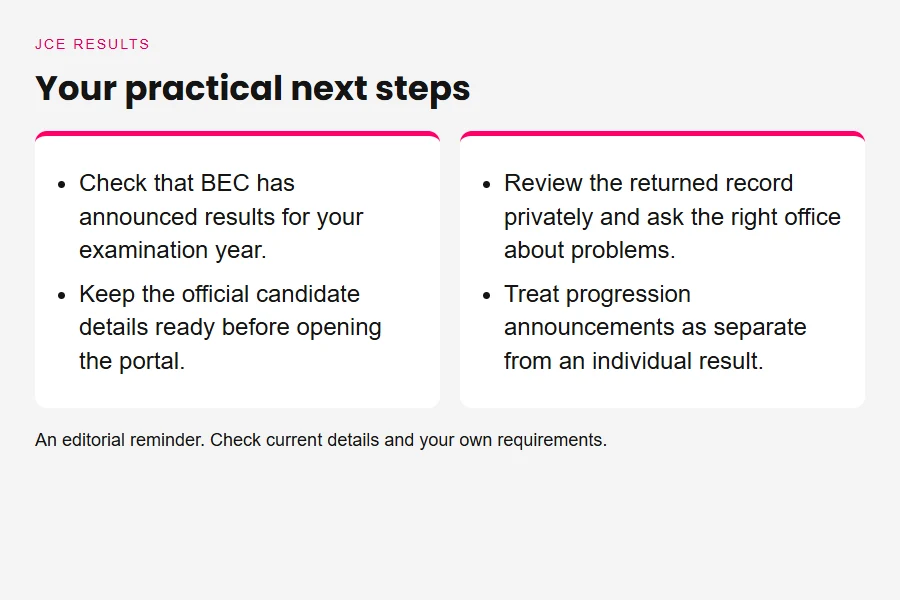
- Check that BEC has announced results for your examination year.
- Keep the official candidate details ready before opening the portal.
- Review the returned record privately and ask the right office about problems.
- Treat progression announcements as separate from an individual result.
JCE results should be checked through the official Botswana Examinations Council route after the relevant release announcement. The year you sat the examination matters more than the year printed in an online article’s headline. A page mentioning 2026 does not prove that the 2026 cohort’s results have been released.
This guide was researched on 16 November 2026. It does not announce a new release date or certify an unconfirmed result. Use it to prepare for access and to understand which details need checking when BEC makes the applicable announcement.
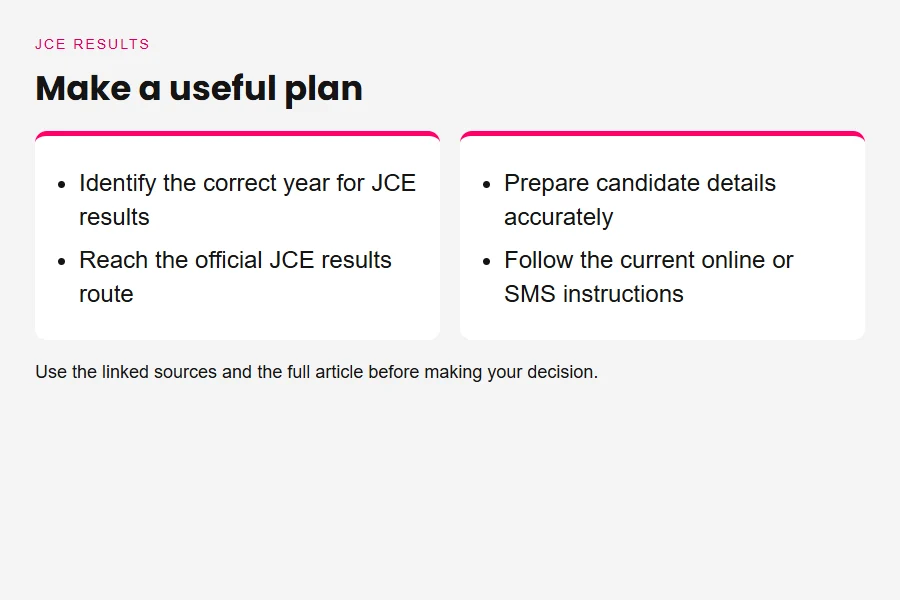
- 1. Identify the correct year for JCE results
- 2. Reach the official JCE results route
- 3. Prepare candidate details accurately
- 4. Follow the current online or SMS instructions
- 5. Review the returned JCE results carefully
- 6. Ask the appropriate office about a problem
- 7. Separate JCE results from the next application
- Frequently asked questions
- Prepare now and verify at release
- Sources
1. Identify the correct year for JCE results
Write down the year in which the examination took place. Keep that separate from the date you are searching online or applying for a next step. A learner who sat in one calendar year may receive the release announcement in another.
BEC’s press-release index and JCE summary archive label records by examination cohort. Check the specific document rather than interpreting a search snippet as a fresh announcement.
Our older Form 5 BGCSE article concerns a different examination and historical year. It should not supply the year or access format for your JCE results.
2. Reach the official JCE results route
Open the BEC website directly and use its results navigation. The official results form asks for the examination level and year alongside candidate identifiers.
Check the address before entering personal information. A page that copies the BEC logo or uses a familiar colour scheme is not necessarily part of BEC. Avoid paying an unknown person to reveal JCE results that are available through the announced official route.
If you are helping a child or relative, explain what you are doing and keep the record private. There is no reason to post their candidate identifiers publicly merely to demonstrate that a link works. Close unrelated tabs so you can follow one clear process.
3. Prepare candidate details accurately
Use the candidate’s official examination documents, not a number remembered from another year’s application. Confirm the centre, candidate number and surname against the relevant record. Preserve leading zeros and spellings as shown in BEC’s current instructions.
This original preparation note can reduce avoidable confusion when accessing JCE results.
| Check | Where to verify |
|---|---|
| Examination and year | Candidate record and release notice |
| Centre identifier | Examination documentation |
| Candidate identifier | Candidate documentation |
| Surname | Registered examination record |
| Current access instructions | BEC announcement or form |
Do not use a classmate’s details as an example in a public group. If a record seems wrong, ask the school or BEC how it should be corrected instead of trying different identities until something appears.

4. Follow the current online or SMS instructions
The BEC press-release index is where to find the notice for your exam year. Past JCE notices have described both web and SMS access. Use the SMS format and short code in the notice for your own cohort. If no SMS instructions appear for that year, use the official online form or ask your centre.
An old BGCSE message format is not automatically a JCE format. Likewise, a remembered short code or message charge should not be treated as permanently current. Check the announced route and the cost shown by your network where applicable.
For online JCE results, inspect each selected field before submitting. If you use a shared device, keep the result away from public view and do not save private identifiers into an account that other people use. Ask for permission before retaining somebody else’s record.
5. Review the returned JCE results carefully
Check that the record belongs to the intended candidate and year before saving or sharing it. Review the subjects and any messages displayed with the result. A successful page load alone does not establish that you selected the right cohort.
Save a clear private copy with the examination year and date accessed. Keep it separate from an application form or a translated explanation somebody wrote afterwards. Do not edit a screenshot to replace a grade or make a provisional result look like a certificate.
If the display is incomplete or a code is unfamiliar, consult the applicable BEC explanation. Online discussion can suggest questions to ask, but it cannot authoritatively change JCE results or decide a candidate’s eligibility for another programme.


6. Ask the appropriate office about a problem
Describe the issue using the examination, year and your own record. Keep a note of the access attempt and any error message. Do not send repeated messages with several guessed candidate numbers, or publish a full result while asking strangers to troubleshoot it.
BEC release notices can contain enquiry windows and separate directions for school and private candidates. Read the current notice before assuming a past deadline applies. The 2024 JCE release, listed in the BEC press archive, gave its own enquiry window. Use the deadline in your cohort’s notice.
For a school candidate, ask the school which route applies. A private candidate should follow BEC’s relevant directions. Keep copies of correspondence and ask what happens next rather than expecting a social-media reply to settle the matter.
7. Separate JCE results from the next application
Knowing a grade and understanding progression options are related but different tasks. Wait for the applicable official guidance about placement or an alternative programme. Do not assume that a cutoff mentioned in an old news article applies to another year.
Make a small next-step list with the programme, current entry requirements, documents and deadline. Discuss it with the appropriate school or education office. Our historical university overview is broad background, not a direct JCE admission route or current offer.
Keep the costs of printing, travel and applications visible. The Botswana shopping guide offers a useful full-cost approach, while our historical internet-provider directory can prompt connectivity questions. Neither replaces BEC or a provider’s current requirements.
Frequently asked questions
Are the 2026 JCE results released now?
This guide does not make that announcement. Check BEC’s current release notice for the examination cohort you need. The research date and publication year of an article cannot establish that results are available. Avoid treating an old headline with a newly changed year as official confirmation.
Which year should I choose in the form?
Choose the year in which the candidate sat the examination, using the applicable BEC instructions. Do not substitute the current calendar year merely because you are opening the portal today. Check the candidate record and release announcement together before interpreting the returned result.
Can I use a BGCSE SMS example for JCE results?
Do not assume the formats are interchangeable. Follow the current instructions for JCE, including the examination label and the required identifier order. The government guide distinguishes examinations, and the relevant BEC announcement should determine what you use for your cohort and access route.
What if the result does not appear?
Check the official announcement, examination year and candidate details once carefully. Note the exact error and follow the school or BEC enquiry route. An empty or unsuccessful response is not proof of a failed examination, a changed grade or a missing place in another programme.
Can a screenshot replace the documents an institution requests?
Check with the receiving institution. An online JCE results display and an official certificate or other requested record serve different purposes. Keep the original information intact and supply the documents actually required. Never alter a screenshot or assume that a social-media copy meets every application requirement.
Prepare now and verify at release
Keep the candidate documents ready, save the official BEC starting point and wait for the correct announcement. When accessing JCE results, check the examination year and returned record carefully, then handle any enquiry through the stated official route before making assumptions about the next step.
Sources
BEC release notices for cohort-specific access instructions.